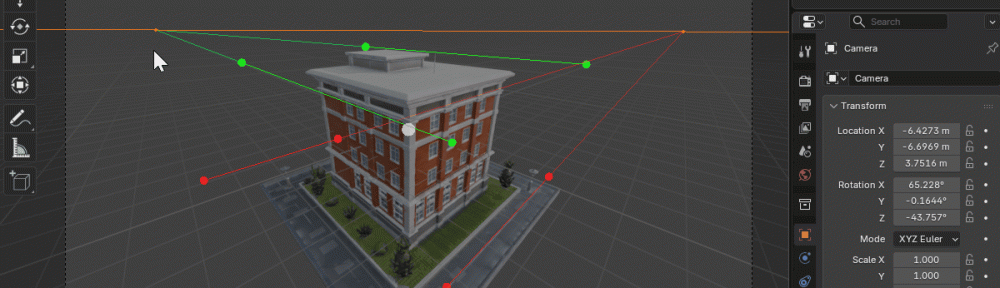
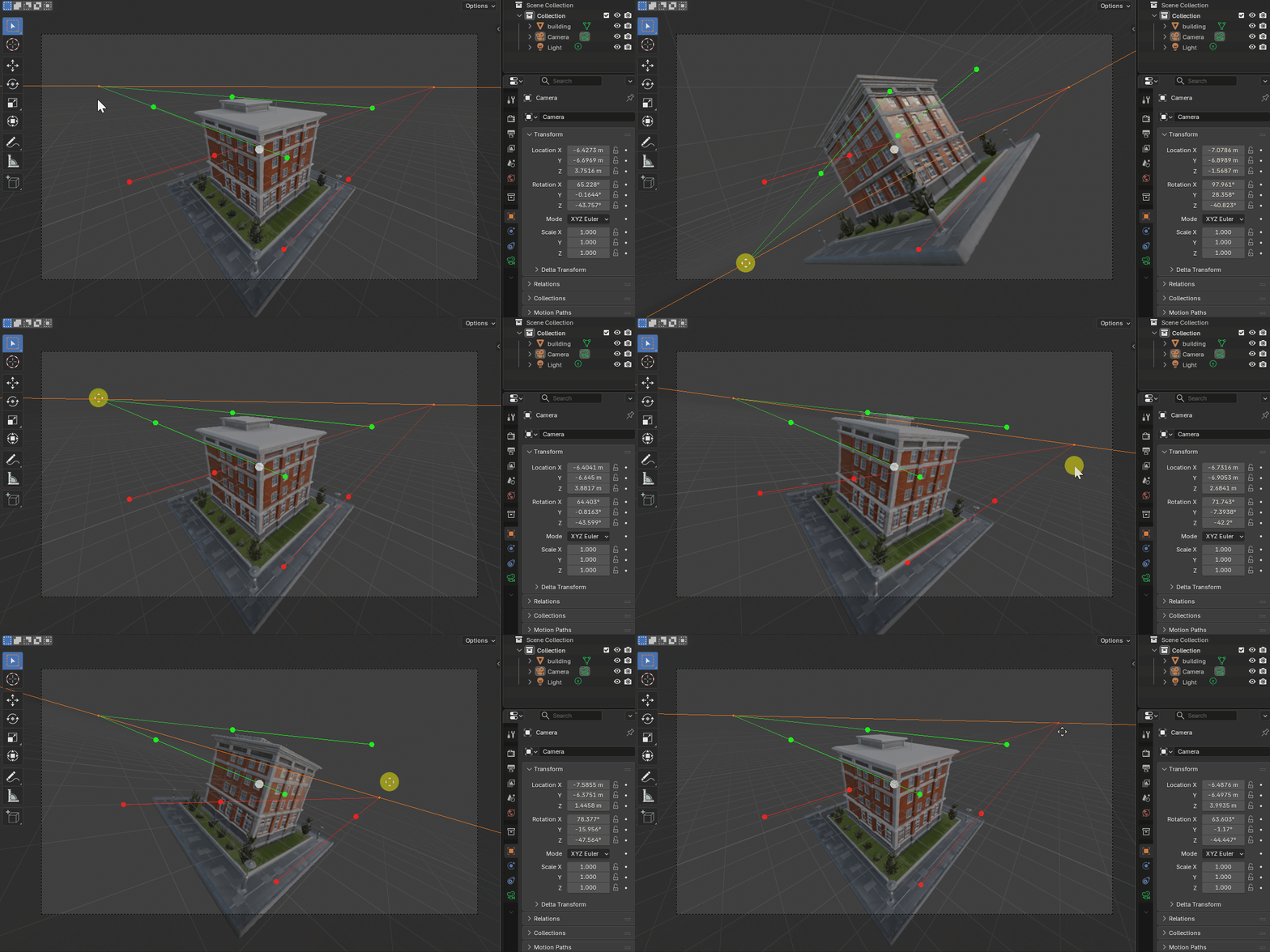
I’m happy to share a fresh new update to Perspective Plotter, bringing a small but very practical improvement to the workflow.
Move Vanishing Points More Directly
Until now, vanishing points in Perspective Plotter were adjusted primarily through the control points and guide handles, which works well, but can sometimes feel a little indirect when you’re fine-tuning a scene.
With this update, you can now move vanishing points directly in the viewport, making perspective setup faster, clearer, and more intuitive.
It’s a simple change, but one that gives you much more immediate control when matching cameras to:
- concept art
- photo backplates
- architectural reference
- hand-drawn sketches
- or any perspective-based scene layout
Works with Existing Blender Versions
As always, the update is designed to be fully compatible with existing Blender installs, so you should be able to try it immediately in your current workflow without needing to change anything else.
Give It a Try!
If you already own Perspective Plotter, the update is available now, just download the latest version from your Superhive library and take it for a spin.
Quick Start Guide (if you need a refresher):
https://perspective-plotter.readthedocs.io/en/latest/quick_start.html
Feedback Welcome
If you encounter any bugs, strange behaviour, or have ideas for further improvements, feel free to reach out. User feedback is invaluable and helps steer future development.
Thanks again to everyone using Perspective Plotter, I hope this update makes your perspective matching even smoother.
Mark